Welcome to Ops AI
Ops AI is a multi-tenant SaaS platform for MSPs. It takes the routine, well-defined work an MSP tech does across their vendor stack — triaging tickets, correlating alerts, provisioning users, responding to security events — and automates it through a combination of Standard Operating Procedures (SOPs), an AI Copilot, and direct vendor integrations.
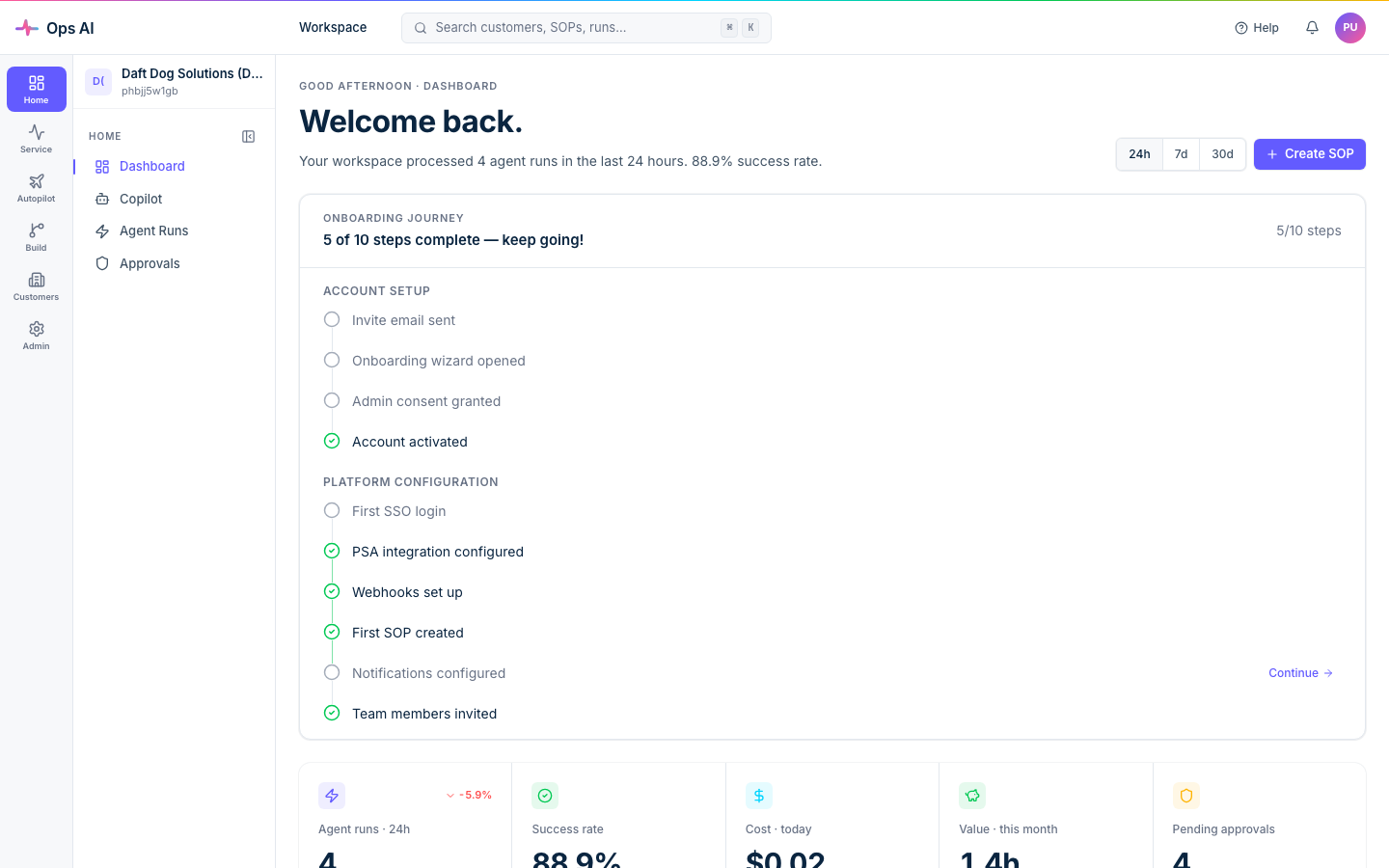
This documentation site is the public reference for end-users of the platform. If you're an MSP admin or tech setting up the product, you're in the right place.
What you can do with Ops AI
- Run SOPs automatically. Author a procedure once, then have it executed against incoming PSA / RMM / EDR events without anyone clicking through five vendor portals.
- Talk to your stack in plain English. The Copilot AI can search tickets, list devices, draft tenant-wide reports, and run multi-step write actions — gated by the same approval flows as your SOPs.
- See where your time goes. Per-customer cost rollups, per-tool usage breakdowns, and shareable customer summaries are baked in.
- Stay safe. Every write action is auditable, every credential is encrypted at rest in Azure Key Vault, and destructive operations route through approval gates by default.
How this site is organised
- Getting started — Sign up, connect your first vendor, and run your first SOP. Start here if you're new.
- Integrations — Per-vendor connection notes plus a troubleshooting guide for the most common failure modes.
- FAQ — Short answers to the questions we hear most often from MSPs evaluating or starting out on the platform.
Need a hand?
- Email support@msp-ops.ai for product support.
- The Help Center inside the app (Help in the sidebar) mirrors the most-used pages here with in-context search.
- Customers on the Professional plan have a named Ops AI account manager — your onboarding email has the contact details.
Ready? Head to Dashboard tour for the 60-second introduction.