Knowledge base
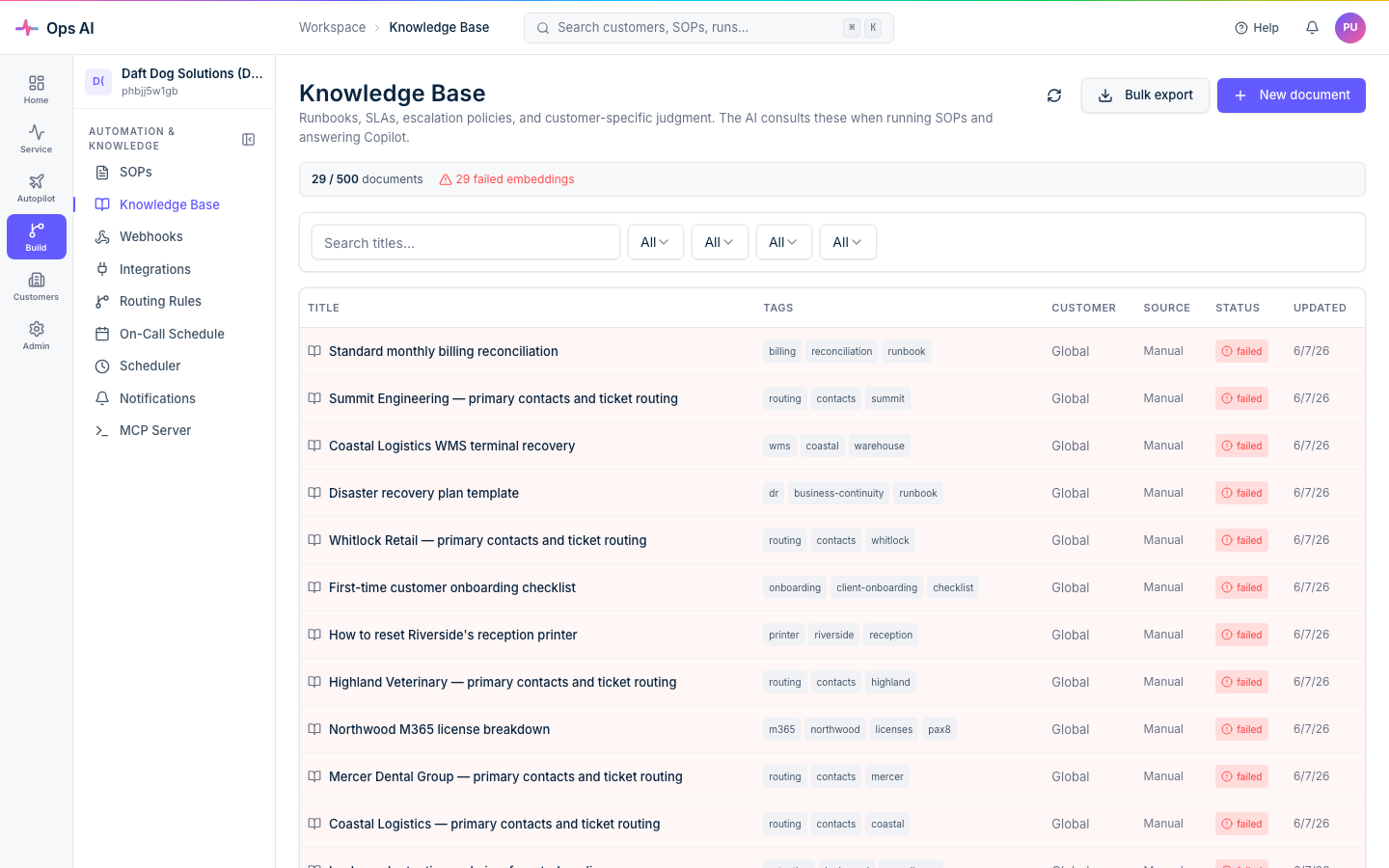
The Knowledge base (/app/knowledge-base) is a per-MSP collection of free-form notes that SOP agents and Copilot can pull from automatically. Think of it as the place to record the things your techs already know — "this customer's VPN gateway is at 10.0.0.1", "Acme always wants tickets routed to the Tier 2 queue first", "Datto licenses come from Pax8 not directly" — so the AI has the same context your team does.
When to add an entry
You should add a knowledge-base entry whenever:
- An SOP run produces the wrong outcome because the AI was missing context that's obvious to your team.
- A customer has a quirk (preferred queue, escalation contact, hardware specifics) that should influence how agents handle their tickets.
- A vendor integration has site-specific configuration that an agent can't introspect at runtime.
Authoring entries
Open Knowledge base in the sidebar, click New document:
- Title — short, descriptive. Used as the search-display label.
- Content — Markdown supported. Add headings, lists, code blocks, tables — render parity with the Help center.
- Scope — MSP-wide (
Global), or scoped to a specific customer. - Tags — free-text tags for filtering. E.g.
vpn,pax8,acme-corp.
Save. Entries are versioned; the previous version stays in the history.
How entries surface to agents
When an SOP or Copilot session starts, the AI retrieves the most-relevant entries based on the trigger context (customer, vendor, keywords) and includes them in its working set. You don't need to do anything explicit — the retrieval happens automatically.
You can see which entries were pulled into a given agent run from the run's detail page, under Knowledge context.
Editing and deleting
- Click an entry to open it for editing. Every save bumps the version.
- Use Delete to remove an entry permanently. Deletions are logged to the audit log.
Search
The top of the Knowledge base page has a full-text search box. Matches are highlighted in the preview snippet. Use the Scope and Tags filters to narrow further.