Microsoft 365
Ops AI has deep, first-class Microsoft 365 integration built for MSPs who manage customer tenants under a CSP relationship. This section covers everything Microsoft-specific — from connecting your Partner tenant for the first time through to reading Conditional Access policies and Secure Score dashboards via Copilot.
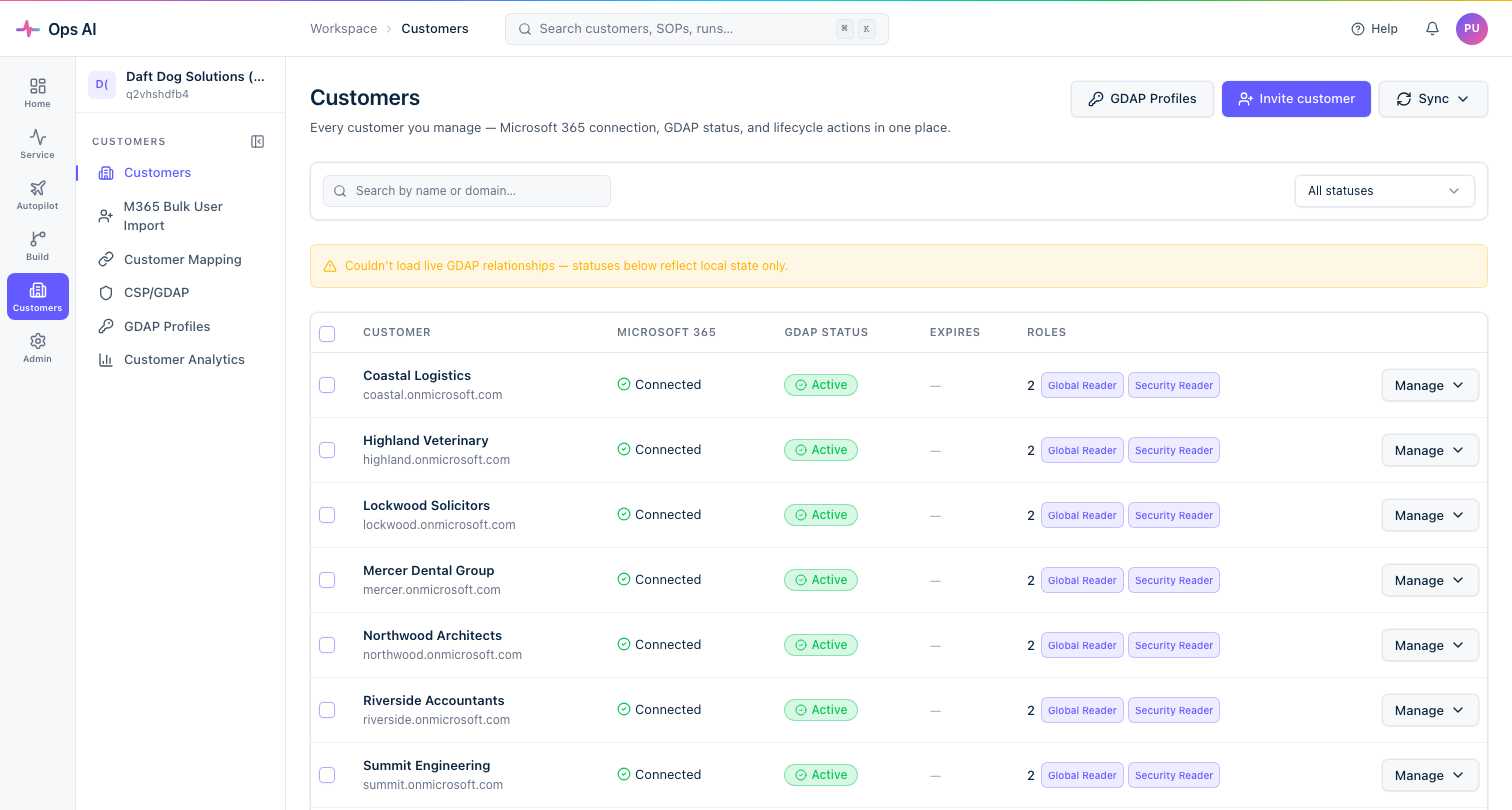
What's covered
| Section | What it explains |
|---|---|
| Connect your Partner tenant | CSP/GDAP setup — Path A (automated) and Path C (verified manual) |
| GDAP Profiles | Reusable delegated-admin tier templates — the fastest way to onboard customers consistently |
| Customer lifecycle | Onboarding, extending, modifying, revoking, and off-boarding customer tenants |
| Access Management | Mapping Entra security groups to Ops AI app roles for team SSO |
| M365 Bulk User Import | Provisioning batches of users into a customer's Microsoft 365 tenant |
| Customer Mapping | Linking customer records across PSA, RMM, M365, and other vendors |
| Copilot — Microsoft Graph reads | Reading Conditional Access, Intune, Teams, licenses, and more via natural language |
Prerequisites
Before any Microsoft 365 feature works, your MSP must complete the CSP/GDAP setup at /app/csp-wizard. This creates a long-lived partner-tenant service principal and establishes the GDAP relationship template needed to delegate admin access to customer tenants.
See Connect your Partner tenant to get started.
Key concepts
GDAP (Granular Delegated Admin Privileges) — Microsoft's model for MSPs to hold scoped admin roles inside a customer's Entra tenant without full Global Admin. Each customer approves a delegated admin relationship that grants your security groups specific roles.
GDAP Profiles — Ops AI's reusable templates for GDAP relationships. A profile bundles a name template, a requested role set, and one to five partner-tenant security groups (each mapped to a role subset). Apply a profile to a customer in one click instead of hand-picking roles every time.
Per-tier isolation — A single customer can hold multiple GDAP relationships simultaneously, one per profile. This lets you give a Helpdesk group a long-lived low-privilege relationship and a separate short-lived Global Admin relationship to your senior engineers — without one expiry date affecting the other.
Brownfield vs greenfield — Most MSPs already have GDAP configured in Partner Center before they sign up to Ops AI. The brownfield adoption flow imports your existing relationships as-is (zero mutations to Graph) and lets you optionally attach profiles to them for go-forward management. Greenfield creates fresh relationships from profiles.