Billing & subscriptions
Billing lives at Billing (/app/billing). Plans are managed through Stripe — checkout, plan changes, payment-method updates, and invoices all flow through the Stripe Customer Portal.
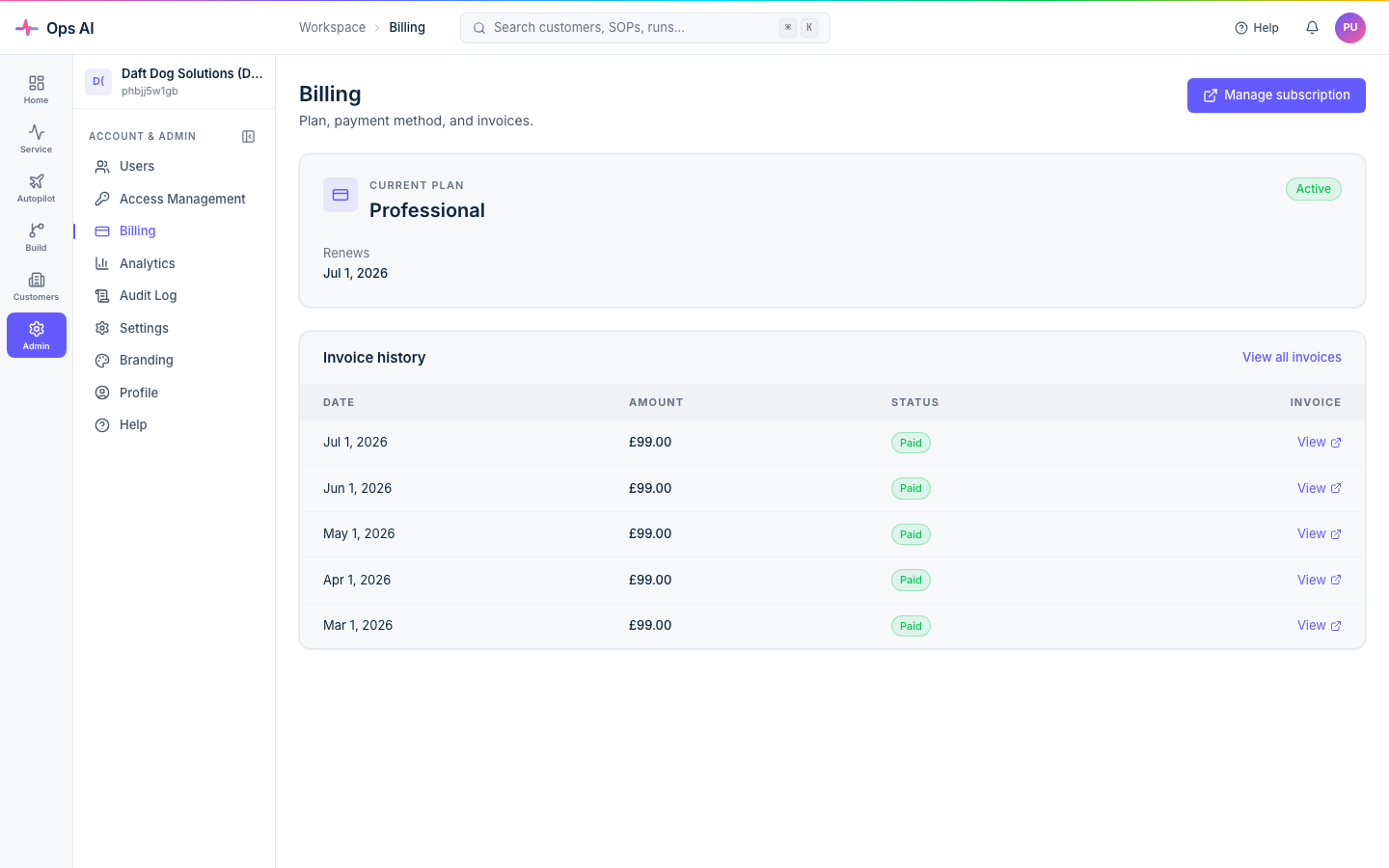
Plans at a glance
| Plan | Price | Best for |
|---|---|---|
| Starter | £100/month | Single-tech MSPs or those starting with one or two integrations |
| Professional | £400/month | Multi-tech MSPs running SOPs at volume across multiple vendor stacks |
Both plans include unlimited customers, unlimited SOPs, the full vendor integration surface, Copilot AI, audit logs, and notifications. The differences are rate limits, retention, and concurrent-run ceilings — exact numbers are surfaced on the Billing page itself so they stay accurate even when we tune them.
Note: legacy plans (Free / Enterprise) referenced in older docs are being retired. The Billing page is the source of truth for what's currently offered.
Starting a trial
New MSPs sign up at app.msp-ops.ai and land in a time-bound trial automatically — no card needed up front. The trial gives full feature access; near the end of trial, Billing prompts you to pick a plan and add a payment method.
If you don't pick a plan before trial expires, the tenant moves to a read-only state:
- Existing data stays intact.
- You can still sign in.
- New webhook events still queue (so you don't lose data) but agents don't dispatch.
- Adding payment + selecting a plan reactivates dispatch immediately.
Upgrading or changing plans
Open Billing → click Upgrade (or Change plan) → you're redirected to a Stripe Checkout / Customer Portal session in a new tab. After completion you bounce back to Billing with the new plan applied. Changes apply at the start of the next billing cycle by default; pro-rated invoices show up in the Stripe portal.
Updating payment method, downloading invoices
All handled inside the Stripe Customer Portal — open Billing → Manage subscription → you'll land on Stripe's portal where you can change card, download PDF invoices for any past period, and review upcoming charges.
Cancelling
Stripe Customer Portal → Cancel subscription. Cancellation is a soft-disconnect by default — your data stays in place, you keep read-only access until the end of the paid period, and you can resubscribe and pick up where you left off.
If you also want us to delete everything we put in your tenants (the partner-side Entra app, GDAP relationships, customer-tenant service principals, service groups), use the Disconnect button in the CSP/GDAP wizard. That's the hard-disconnect path and is irreversible.
Cost visibility
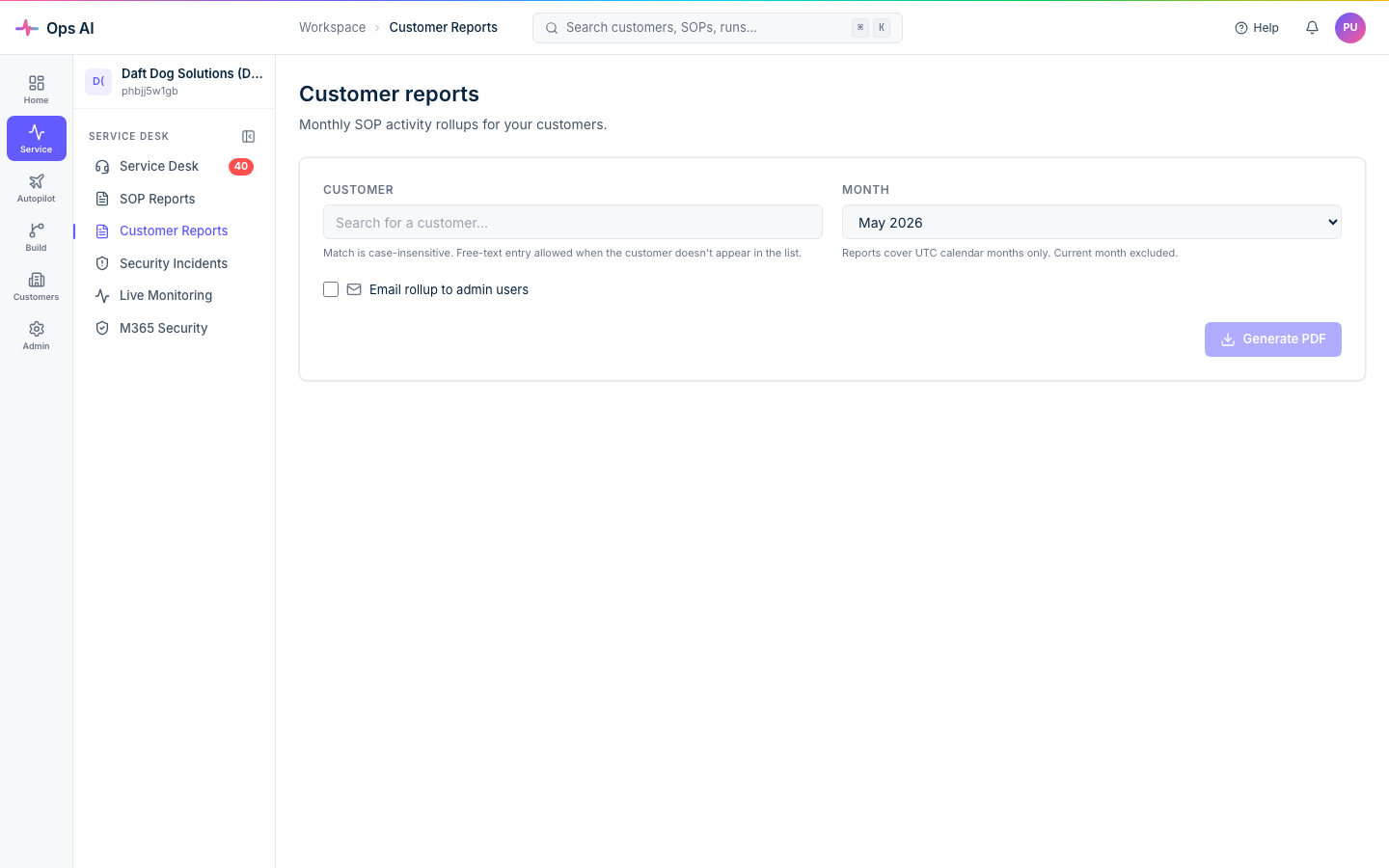
Customer Reports (/app/customer-reports) surfaces per-customer cost rollups (agent runs, Copilot turns, tool calls) so you can chargeback or markup transparently. Monthly and daily aggregation jobs run automatically; CSV + PDF export are available, and each customer rollup has an optional time-limited share link if you want to send a customer their own summary.
Any unexpected cost spike usually points at a misconfigured SOP or a runaway Copilot conversation — both visible in Analytics (/app/analytics).
You can also set a monthly cost limit per-MSP in AI Config — the platform blocks new runs once the cap is hit and notifies you, preventing runaway spend.
Stripe webhook reliability
Subscription state syncs automatically via Stripe webhooks — there's no delay between you upgrading and your account picking up the new plan. If a Stripe webhook ever fails to deliver (rare; Stripe retries aggressively), Ops AI's monitoring catches the gap and reconciles.